


How to Work From Home? Tips From People Who Do It Successfully

This article will discuss the problem of work from home and the way to make it better.

While it’s certainly better to have clear telework policies and training in place beforehand, this level of preparation isn’t feasible in the face of sudden changes, so how is management going to meet the challenges of working from home?

Continue reading “How to Work From Home? Tips From People Who Do It Successfully”

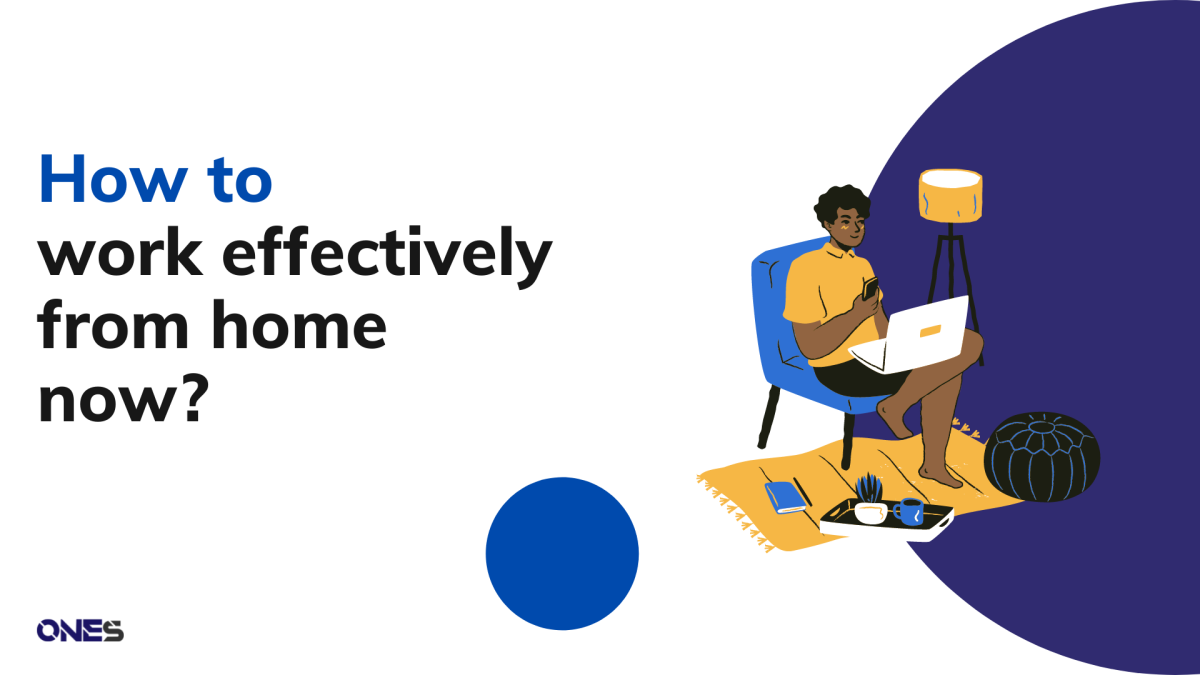
How to work effectively from home now?

How can the work-from-home mode of operation be made effective?

It has always been a dream of many people to work at home, to be able to work without leaving home. After the epidemic, many companies are suddenly faced with the challenge of avoiding their employees working at home for long hours.

As a result, the dream of many employees suddenly came true, but soon the dream turned into a nightmare as they could not get used to working at home. Work efficiency is greatly reduced. In that case, how can the work-from-home mode of operation be made effective?

Continue reading “How to work effectively from home now?”

What are the main benefits of smart office?

An introduction of smart office and how it bring benefit to you and your people.

The modern workplace is ever-changing. The way we work is changing as new technologies emerge. To stay competitive, businesses must ensure that they are utilizing all of the latest advancements in office technology.

It is possible to streamline operations and accomplish more in less time with the right tools in place. Building a smart office is one way we can help improve working conditions and office productivity.

Continue reading “What are the main benefits of smart office?”

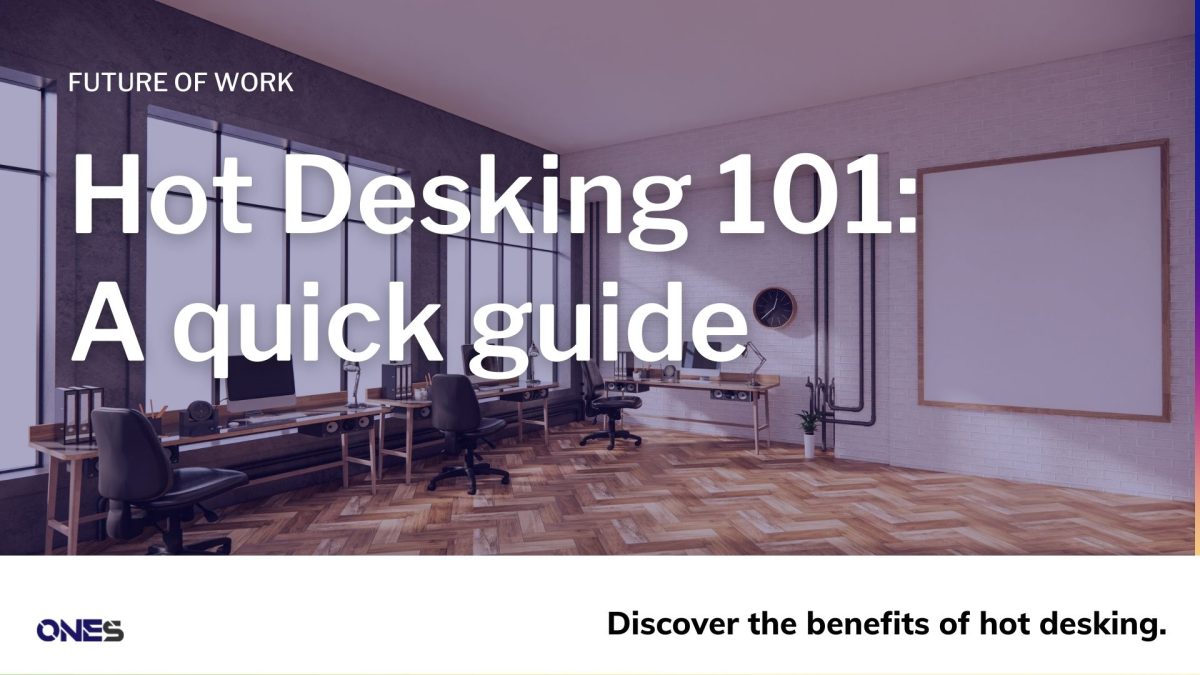
Hot Desking 101: a quick guide

Discover the benefits of hot desking to help you decide if it’s right for you in this era of hybrid work.

We have become accustomed to the flexibility of remote work, but there still has benefits to bringing your staff into the office — better collaboration, unplanned discussions, and a location for concentrated work when they need it. 

However, if each person has their own desk that they only use a few days a week, you will have a lot of wasted space. Hot desking is now the ideal answer for businesses transitioning to hybrid work.

Recently, executives at Europe’s largest bank also told to try ‘Hot Desking’, noting it comes as the bank pursues plans to shrink its office space by 40% in a post-pandemic shake-up.

On paper, hot desking appears simple, but in fact, it is more difficult to accomplish. You will quickly have a hectic office and angry staff if you do not have a practical strategy to handle desk sharing.

Continue reading “Hot Desking 101: a quick guide”

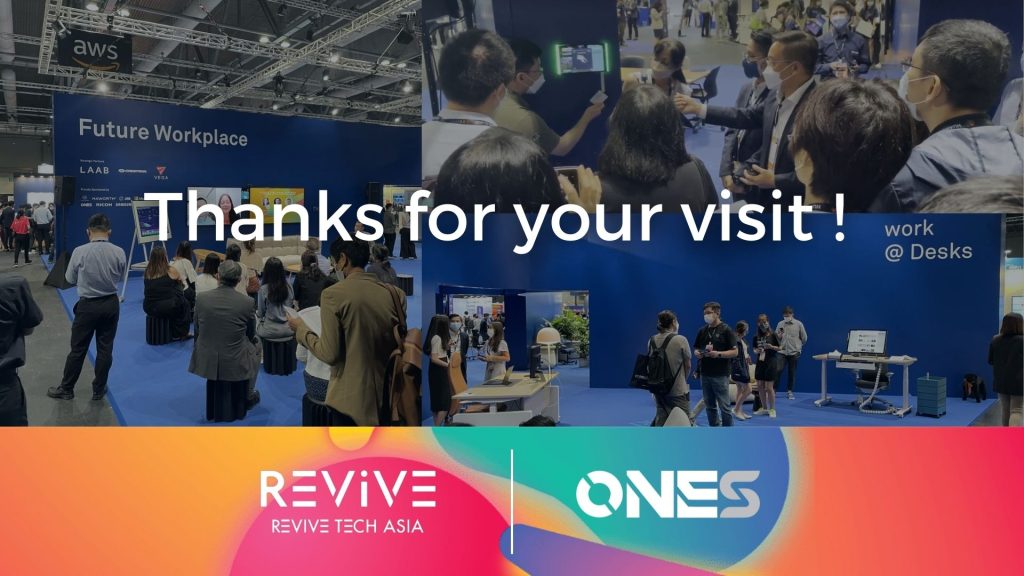
Future Workplace with ONES @Revive Tech Asia 2022

An overview of our collaboration with Crestron Electronics and Microsoft @Revive Tech Asia 2022.

ONES @Revive Tech Asia 2022

Thank you for visiting us in Revive Tech Asia 2022!

In the future workplace section, we collaborated with Crestron Electronics and Microsoft to demonstrate how to set up an all-in-one, effective, hybrid workplace via room display, desk display, room control, and integration with Teams.

Continue reading “Future Workplace with ONES @Revive Tech Asia 2022”

Overcome productivity paranoia with new tools in Microsoft Viva and ONES

Implement your own hybrid working model with Teams and ONES. Here are the tips for you.

The most recent Microsoft Work Trend Index demonstrates that the anecdotal accounts you’ve heard about negotiating the transition to hybrid working are accurate. People are working more hours than ever and, according to Sunita Khatri, senior director of Microsoft Viva, 87% of them feel productive.

However, almost as many managers (85%) said they are unsure whether those workers are actually productive, so they turn to monitor petty details like who uses their badge to enter the building, how long applications are open, or even how many keystrokes workers make.

Continue reading “Overcome productivity paranoia with new tools in Microsoft Viva and ONES”

Visitor Management System: Why It Works for You

The visitor system is the first thing that customers contact, and it is important to make the best first impression before booking a room.

A visitor management system is a system that tracks visitors who come into the office, which can be clients, couriers, interviewers, etc.

It is the first thing that customers contact, and it is important to make the best first impression before booking a room.

Continue reading “Visitor Management System: Why It Works for You”

E-paper display for your smart office with ONES

Now you can use our ONES all-in-one smart office system with Minew e-paper device for room display and desk display.

Now you can use our ONES all-in-one smart office system with Minew e-paper device for room display and desk display.

Continue reading “E-paper display for your smart office with ONES”

How can hybrid working help Singaporeans and their companies save their daily expenses now? 

Hybrid working can highly save Singaporeans daily expenses. Here are the reasons and case studies.

The office has seen many changes in recent years, particularly as technology advances and younger generations begin to outnumber older employees. The data from Inc. shows that as much as 40% of an office’s dedicated desk space is unused on a given day.

However, some employees still need to return to the office, and others cannot concentrate on their work because of the noise at home, they need to conduct face-to-face meetings with guests, which is only found in the office.

Continue reading “How can hybrid working help Singaporeans and their companies save their daily expenses now? “

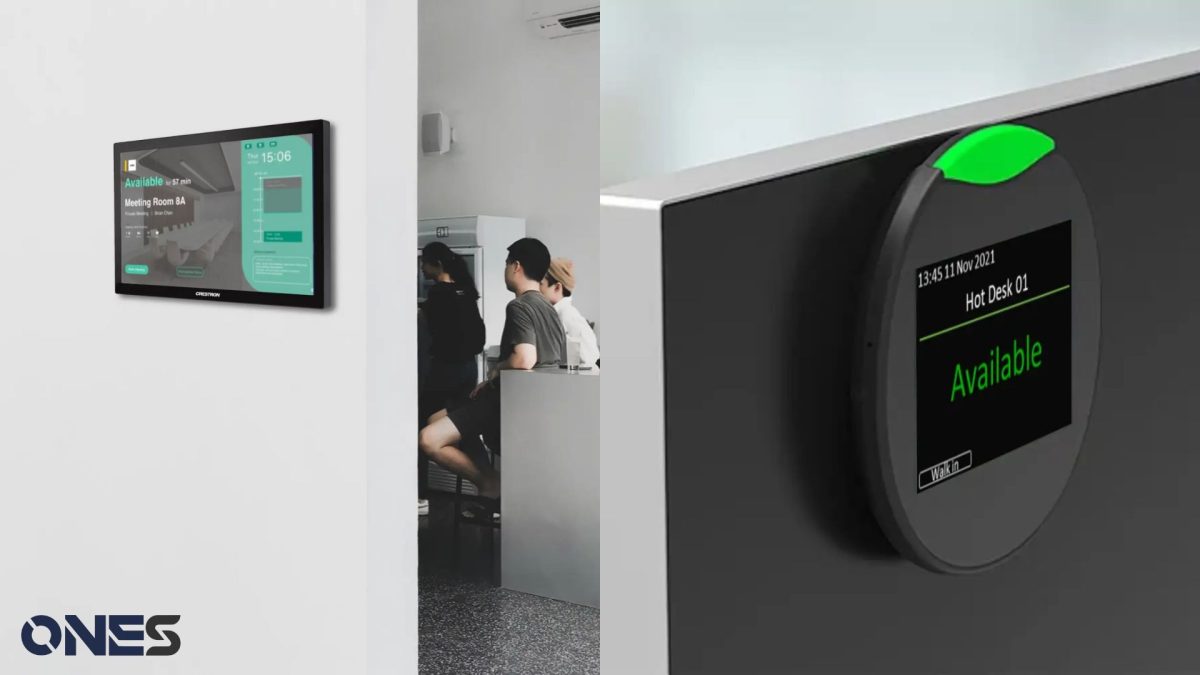
How to know if a room is occupied? Use Meeting room display

Meeting room display is the only best way to know if the room is occupied now.

How do you know whether your meeting room is occupied or not? By going in front of the room and peeking into it to see if anyone is in there? Or just knock on the door and walk into the room every time.

Continue reading “How to know if a room is occupied? Use Meeting room display”
Blogarama - Blog Directory